
 ChatGPT
 Perplexity
 Claude
A well-structured WordPress site is the backbone of great SEO and user experience. Yet most website owners from bloggers to business owners make the same avoidable mistakes that quietly sabotage their rankings, frustrate their visitors, and slow their growth. Here’s a no-fluff guide to the most common WordPress structure mistakes and exactly how to fix them.
Why Site Structure Matters More Than You Think
Before we dive into the mistakes, it’s worth understanding why site structure is so critical. Search engines like Google use your site’s architecture to crawl and index your content efficiently. A messy structure means crawlers miss important pages, link equity gets diluted, and visitors can’t find what they need. A clean structure, on the other hand, signals authority, improves user flow, and can directly lift your search rankings.
WordPress makes it incredibly easy to launch a website but that ease of use also makes it easy to build one with serious structural problems baked in from day one. Let’s fix that.
Mistake #1
Using the Wrong Permalink Structure
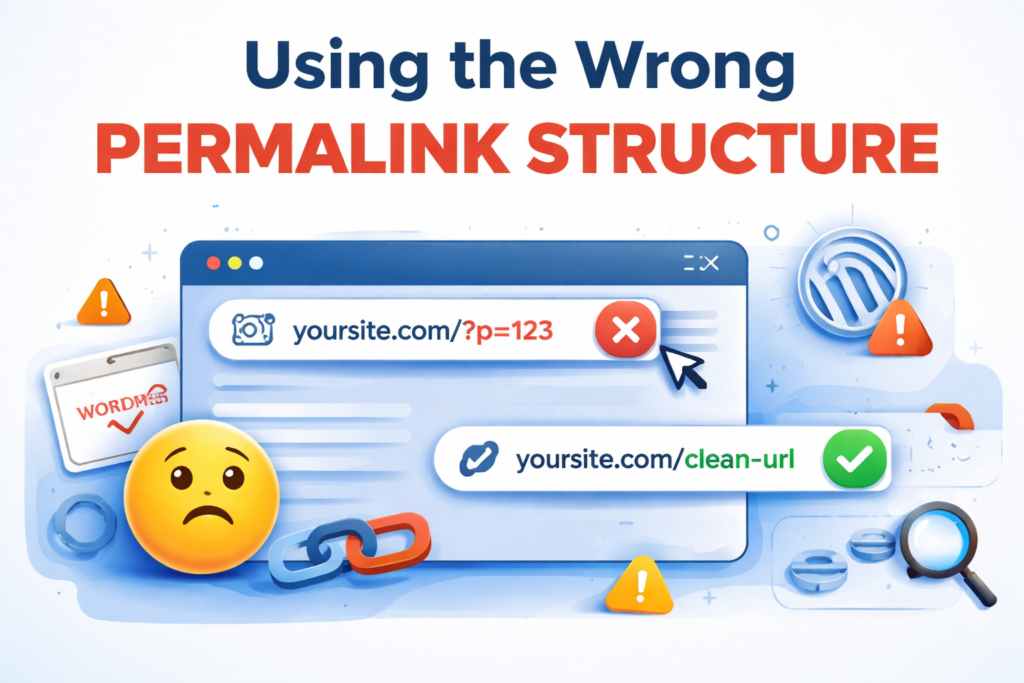
Out of the box, WordPress Development uses ugly, meaningless URLs like yoursite.com/?p=123. Many users leave this default in place without realizing it severely hurts both SEO and usability. URLs should communicate what a page is about to readers and search engines alike.
The Fix
Go to Settings → Permalinks and switch to “Post name” (/your-post-title/). This is the cleanest, most SEO-friendly option. If your site is established, use a redirect plugin like Redirection to 301-redirect old URLs to the new structure so you don’t lose traffic or backlinks.
Mistake #2
No Clear Content Hierarchy (Categories & Tags Misused)
WordPress gives you categories and tags, but most people use them interchangeably or not at all. Categories should represent the main buckets of your content (broad topics), while tags describe specific details within a post. Using dozens of categories, or tagging every post with 20 different tags, creates index bloat and confuses crawlers.
The Fix
Limit yourself to 5–10 core categories maximum. Tags should be deliberate and reused across posts not unique to each one. Avoid creating a category for just one post. Use a plugin like Yoast SEO to set categories to “index” and most tag pages to “noindex” to prevent thin content penalties.
Mistake #3
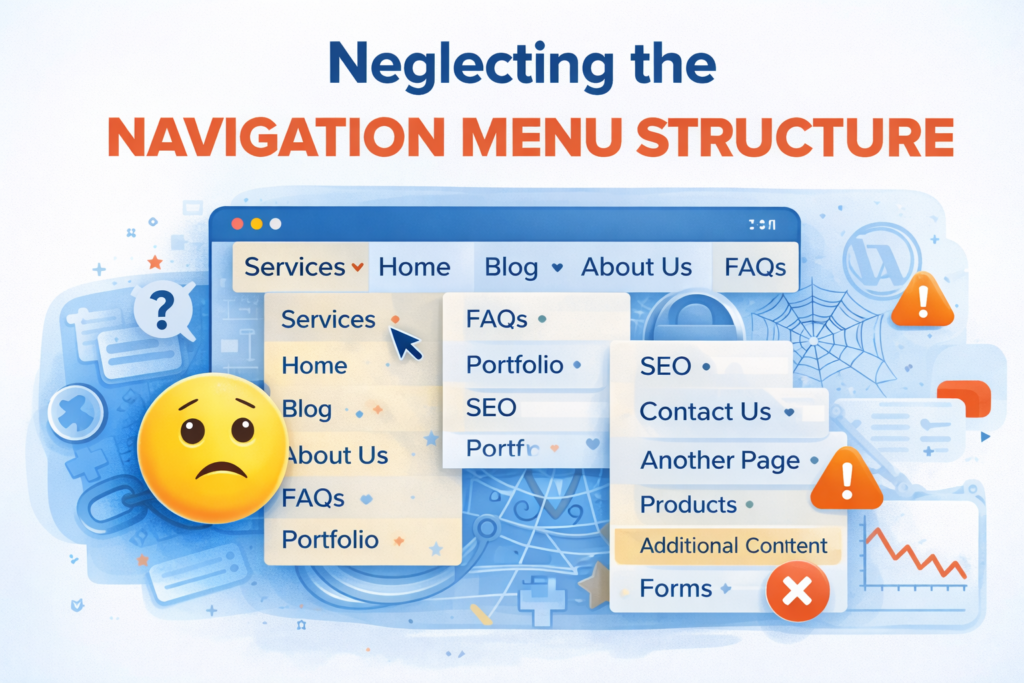
Your navigation menu is the primary map users and search bots use to explore your site. Many WordPress sites have cluttered, inconsistent, or missing navigation menus either stuffed with too many links or missing important pages entirely. A confusing nav menu increases bounce rates and reduces crawl depth.
The Fix
Follow the “3-click rule” every important page should be reachable within 3 clicks from your homepage. Structure your main menu with no more than 7 top-level items. Use a clear dropdown hierarchy for sub-pages. Always include a link to your most important conversion page (Contact, Shop, Services) in the primary nav.
Mistake #4
Ignoring Internal Linking
Internal links are one of the most underrated on-page SEO tactics, and most WordPress users do it inconsistently or not at all. Without a deliberate internal linking strategy, your newer and deeper pages get almost no link equity, and Google has a harder time understanding your site’s topical depth and authority.
The Fix
Every new post you publish should link to at least 2–3 other relevant pages on your site, and those older posts should link back when relevant. Use descriptive, keyword-rich anchor text. Create “pillar pages” for your core topics and link all related posts back to them. Plugins like Link Whisper can suggest internal links automatically as you write.
Mistake #5
Too Many Plugins Bloating the Structure
WordPress’s plugin ecosystem is powerful and dangerous. Installing 40+ plugins doesn’t just slow your site down; many plugins add extra database tables, create their own URL patterns, and generate additional pages (like plugin-specific archives or settings pages) that get crawled. This structural noise can dilute your site’s focus.
The Fix
Audit your plugins quarterly. Deactivate and delete any plugin that isn’t serving an active purpose. Combine functionality where possible one quality SEO plugin beats three overlapping ones. Use a staging site to test plugin additions before they go live. Aim to keep your active plugin count under 20 for most sites.
Mistake #6
Duplicate Content From Default WordPress Settings
WordPress automatically generates multiple versions of the same content: category pages, tag pages, date-based archives, author archives, and paginated versions of the homepage. This means Google may find 5+ URLs all showing similar content diluting your authority and creating confusing indexing signals.
The Fix
Use Yoast SEO or Rank Math to set unnecessary archive pages (date archives, author archives on single-author blogs) to “noindex.” Add canonical tags to tell Google which version of a page is the “real” one. If you have paginated content, make sure rel=next/prev is properly implemented or use a canonical pointing to the main page.
Mistake #7
Missing or Outdated XML Sitemap
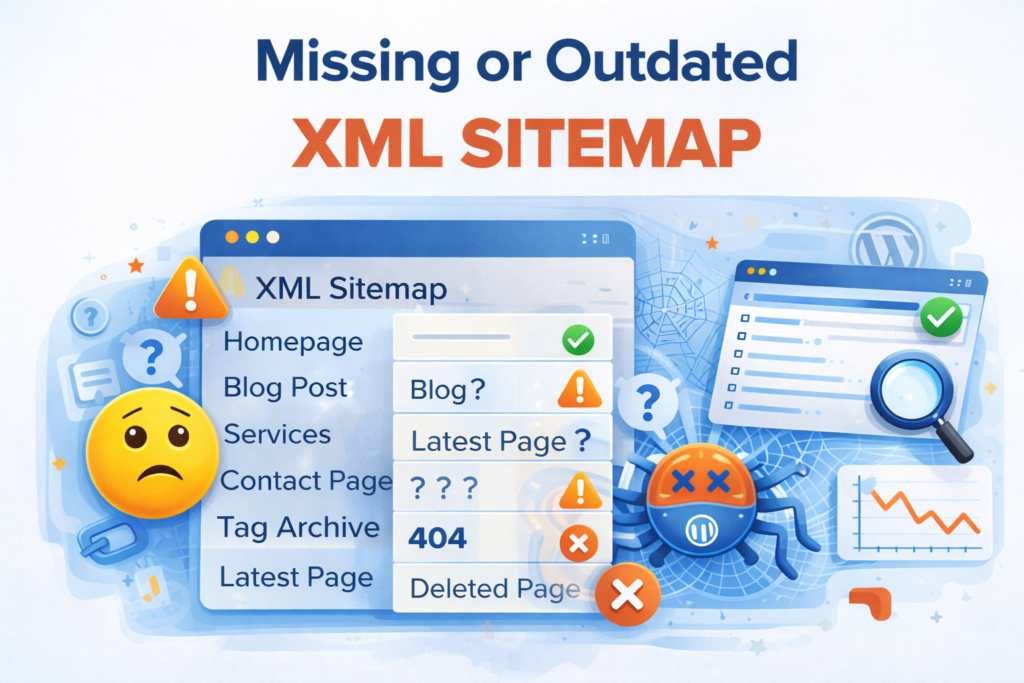
Many WordPress sites either have no XML sitemap at all, or their sitemap is outdated missing new pages and including deleted ones. A sitemap is your direct communication channel with search engine crawlers, telling them exactly what to index and when it was last updated.
The Fix
Enable the sitemap feature in Yoast SEO or Rank Math it generates and updates your sitemap automatically. Submit it to Google Search Console and Bing Webmaster Tools. Exclude thin pages (tag archives, thank-you pages, admin pages) from the sitemap. Check your sitemap monthly to ensure it’s current and error-free.
The Compounding Effect of Getting This Right
Each of these mistakes on its own might seem minor. But they compound. A site with poor permalinks, no internal linking, duplicate content issues, and a bloated plugin stack is fighting Google’s crawlers on multiple fronts simultaneously and losing.
The good news? These are all fixable, often in an afternoon. You don’t need a developer. You need a checklist, a couple of solid plugins, and the discipline to audit your site regularly rather than assuming WordPress will handle everything automatically.
Start with the fixes that will have the biggest immediate impact: get your permalinks right, install a solid SEO plugin, and submit a clean sitemap to Google Search Console. Then layer in the more nuanced improvements internal linking strategy, content hierarchy, and plugin audits over the following weeks.
A well-structured WordPress site isn’t built once and forgotten it’s maintained. Treat your site architecture the way you’d treat your home: clean it regularly, fix small problems before they become big ones, and always think about how a first-time visitor (or crawler) experiences the space. Do that, and you’ll have a site that’s built to rank, built to convert, and built to last.
Here is the best custom conclusion for your blog, perfectly matched to INHYE Process Experts:
Conclusion
Your WordPress Site Structure Is Either Working For You Or Against You
A poorly structured WordPress website doesn’t just hurt your SEO it costs you leads, clients, and credibility every single day. From broken permalink settings to duplicate content and bloated plugins, these mistakes quietly drain the potential of even the most beautifully designed website.
But here’s the truth: fixing your site structure is one of the highest-ROI investments you can make in your online presence. And you don’t have to figure it out alone.
At INHYE Process Experts, we specialize in building and optimizing WordPress websites that are structured to rank, designed to convert, and engineered to grow. With 7+ years of hands-on experience, 310+ clients served across the UK and Spain, and a proven track record in SEO, WordPress Development, and Digital Marketing We know exactly what it takes to turn a struggling website into a high-performing digital asset.
Whether you need a full WordPress audit, a Technical SEO overhaul, or a complete website rebuild from the ground up our team is ready to deliver measurable results, not just promises.
Ready to fix your WordPress structure the right way?
Book a Free Consultation with INHYE Process Experts today and let’s build something that actually works.
INHYE Process Experts – Your Complete Digital Growth Partner
Looking for reliable experts in:
WordPress Development
SEO (Search Engine Optimization)
UI/UX Designing
PPC & Social Media Advertising
Admin Support
We Deliver strategic solutions tailored to your business goals.
📞 Connect with our team today and transform your digital strategy
🌐 https://inhye-process-experts.com/